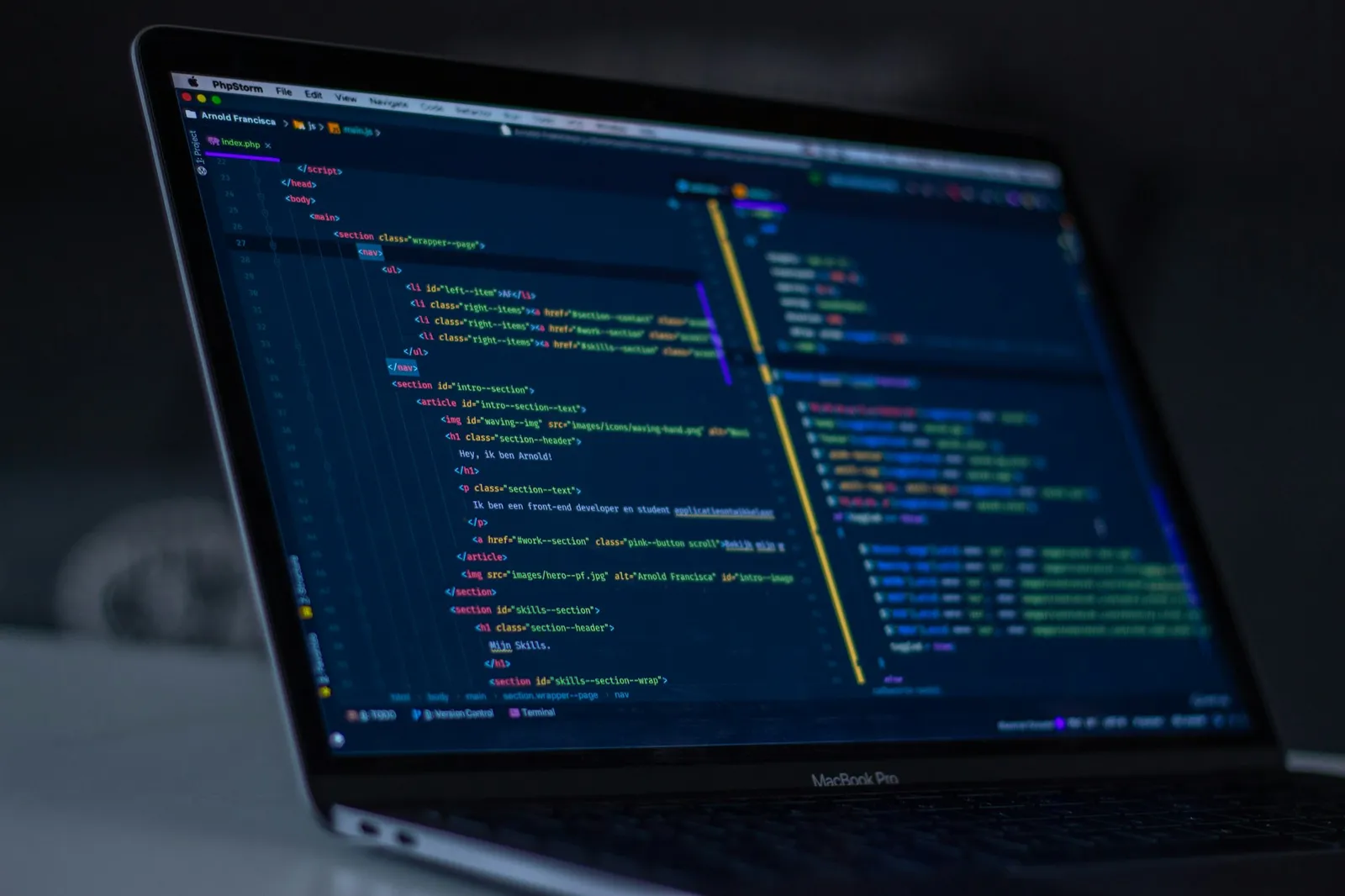
This is the setup I use to build software every day: my laptop, my editor and terminal, the tools I use to talk to my team and keep track of work, and the small apps that keep me focused. I’ve grouped everything by what it does, and for each tool I explain why it earned its place.
The machine
My main machine is a 16-inch MacBook Pro with an M4 chip. Apple’s M-series chips are fast and efficient, which matters when I’m running an editor, a terminal, Docker containers and a browser with a lot of tabs at the same time. The 16-inch display leaves room to keep my editor and terminal side by side.
Code and terminal
Visual Studio Code is my editor. I use the Catppuccin Frappé theme, a soft, muted dark theme that is easy on the eyes during long sessions. I also use VS Code’s built-in terminal for quick commands. Three extensions make the biggest difference:
- Error Lens shows errors and warnings inline at the end of the line, so I see a problem right away instead of hovering over it or opening the Problems panel.
- TODO Highlight makes
TODOandFIXMEcomments stand out, so notes to myself don’t get lost in the code. - Git Blame shows who last changed a line and when, which helps me understand why code looks the way it does.
Warp is my go-to terminal. It’s a modern terminal that groups each command with its output into a block, which makes long sessions easier to scan and to scroll back through.
Docker runs my containers. It lets me run services and dependencies in an isolated, repeatable way, so the project behaves the same on every machine.
Browsers
Arc is my main browser. Google Chrome is a close second. Both are built on Chromium, so DevTools and extensions work the same way in each, and I can check a page in either one.
AI
Claude is my main AI tool, the one I reach for first when I want help with code, writing or working through a problem.
Work
- Jira is where my tickets and work live. It’s how I see what I’m working on, what’s next and what is blocked.
- Slack is for work communication, from quick questions to longer discussions with the team.
- Spark is my email app. It keeps my inbox in one place and is a calmer way to deal with email than a default mail client.
Tasks, notes and planning
- Things 3 holds my daily tasks. Everything I need to do ends up there first.
- Google Calendar is for events, and it’s where my week takes shape.
- The default Notes app is for quick notes: a command I want to remember, a thought, a link. It’s fast and always there.
- Notion is for broader note taking, the longer notes that need more structure than a quick note.
Focus and small helpers
- Spotify is my music for focus.
- 1Password manages my passwords, so I never have to remember or reuse them.
- GIPHY Capture lets me quickly record my screen as a short GIF. It’s my fastest way to show a bug to a teammate instead of describing it.