
I use eight calendars in Google Calendar, each with its own color. That way I can tell at a glance what a block of time is for, without reading it. This is what each calendar is for and which color it has.
My calendars
| Calendar | What I use it for | Color | Hex |
|---|---|---|---|
| Self development | My default calendar when something doesn’t fit anywhere else. Things I do to improve myself, like studying. | Dusty rose | #B68A85 |
| Exercise | My gym time and running time. | Sage green | #94B16D |
| Appointments | When I need to be at a certain place at a certain time, like meetups with friends or a hairdresser’s appointment. | Deep rose | #A2647B |
| All days | Things happening on a certain day that aren’t limited to a time, like a birthday or a video game release. | Sand | #B89D71 |
| Errands | Grocery shopping trips or picking up a package. | Soft purple | #A788B6 |
| Routine | Weekly routine tasks, like the wash or watering the plants. | Taupe | #A39480 |
| Work | My work meetings and tasks. | Grey lavender | #B3B4C7 |
| YouTube | Everything to do with managing my social media accounts, plus filming and editing time. | Dusty blue | #6E95AD |
Appointments get the strongest color on purpose, so they stand out when I glance at the calendar.
The palette
These are the eight colors, ready to copy.
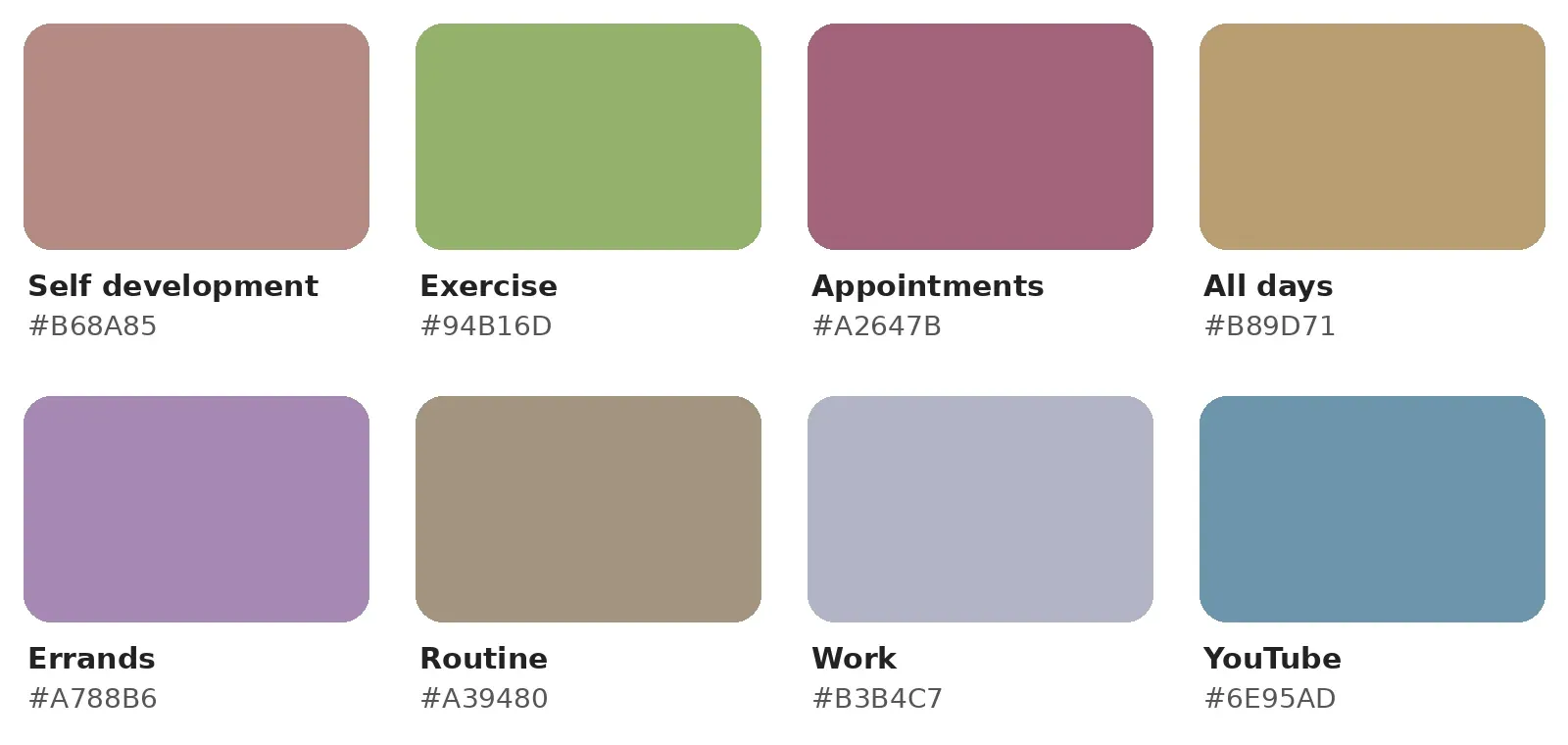
Self development #B68A85Exercise #94B16DAppointments #A2647BAll days #B89D71Errands #A788B6Routine #A39480Work #B3B4C7YouTube #6E95ADMy week
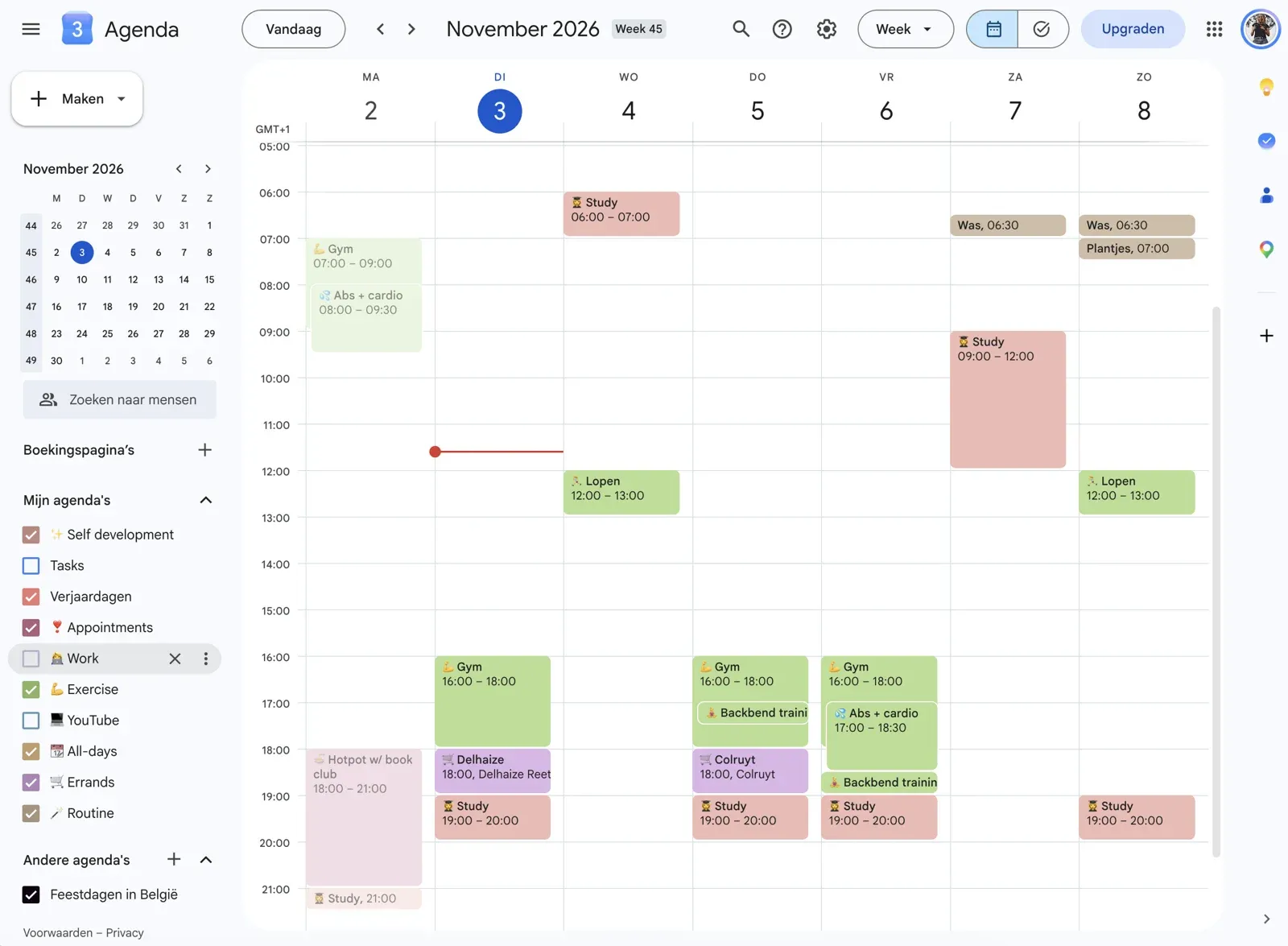
This is what a week looks like with the colors in use.
Use the colors in your own calendar
- Create a calendar for each category in the left sidebar of Google Calendar.
- Hover over a calendar, click the three dots and open the color options.
- Click the + to add a custom color and paste a hex code from the palette above.
One rule keeps it working: every event goes in the calendar that matches what it is, so the color always means the same thing.